

Affiliate Disclosure: Some content on The Scuba News may include affiliate links. Find out how this supports our work.
For many newly certified divers, buying a dive computer is the first major equipment purchase they’ll make. While rental computers are perfectly adequate for occasional diving, owning your own computer means you’ll always dive with familiar settings, consistent algorithms, and a complete logbook of every adventure.
The problem is that the market has never been more crowded.
Simple entry-level computers sit alongside colour-screen models, smartwatch-style computers, air-integrated systems, and technical diving instruments costing several times as much.
The good news?
Most recreational divers don’t need the most expensive computer available. What they do need is one that matches their diving today while leaving enough room to grow tomorrow. Modern entry-level dive computers already include many of the features that were once reserved for premium models.
Mistake #1: Buying Based Only on Price
A cheap dive computer can be excellent value.
A cheap dive computer that frustrates you every dive is not.
Instead of asking:
“What’s the cheapest computer?”
Ask:
“Will I still enjoy using this after 100 dives?”
A clear display, intuitive buttons and easy-to-read information become far more important than saving a small amount of money.
Browse the latest range of beginner-friendly dive computers available from Scuba.com
Mistake #2: Ignoring Screen Readability
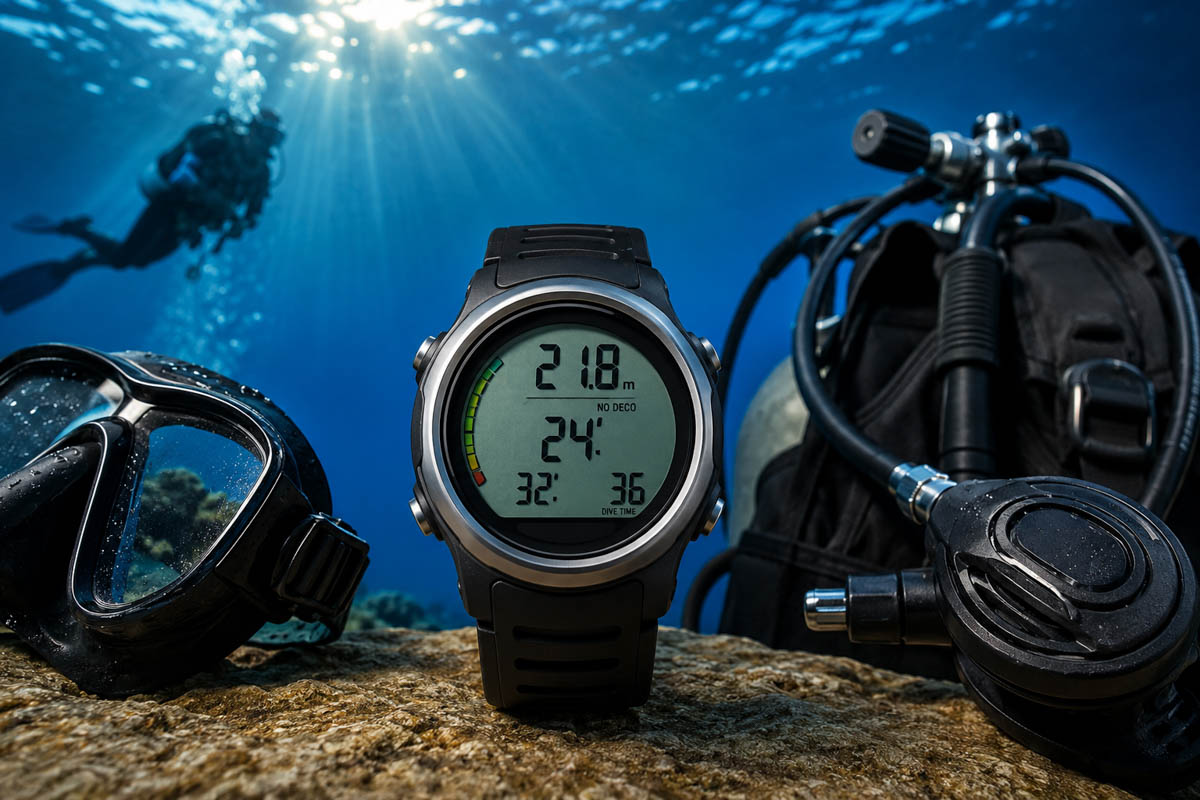
You’ll be reading your computer underwater – sometimes in poor visibility, low light or while task-loaded.
Look for:
- Large numbers
- High contrast displays
- Bright backlighting
- Simple layouts
Colour screens are becoming increasingly popular, but even monochrome displays remain excellent if the information is clear.
Mistake #3: Forgetting About Future Training
Many new divers complete Open Water and immediately start thinking about:
- Advanced Open Water
- Nitrox
- Wreck diving
- Night diving
Buying a computer that supports Nitrox from day one is usually a smart investment, even if you don’t plan on taking the course immediately. Nitrox compatibility has become a standard recommendation for entry-level buyers because it provides flexibility as divers progress.
Mistake #4: Paying for Features You’ll Never Use
Air integration.
Trimix.
CCR compatibility.
Multiple transmitters.
These are fantastic features…
…if you’re a technical diver.
For someone making 20 recreational dives each year, they often add hundreds of dollars without improving the actual diving experience.
Spend your budget where it matters:
- Better mask
- Comfortable exposure protection
- Reliable regulator servicing
- More diving
Mistake #5: Not Thinking About Battery Life
Some computers use:
- User-replaceable batteries
- Rechargeable batteries
- Factory servicing
Each has advantages.
Rechargeable models reduce waste, while replaceable batteries can be reassuring during remote dive trips.
Understanding how your computer is powered before buying avoids surprises later.
Mistake #6: Skipping the Accessories
A dive computer lasts much longer when protected.
Many divers eventually add:
- Screen protectors
- Protective cases
- Spare charging cables
- Travel organisers
- Bungee mounting kits
These relatively inexpensive accessories can help prevent scratches and damage during travel.
Browse dive computer accessories and protective cases on Amazon before your next dive trip.
Mistake #7: Choosing One That’s Too Advanced
This might sound strange.
But many experienced instructors recommend buying the simplest computer that comfortably exceeds your current certification level.
If every menu requires reading the manual underwater, you’ve probably bought more computer than you need.
Ease of use encourages divers to monitor:
- No-decompression limits
- Ascent rate
- Safety stops
- Surface intervals
Those habits contribute far more to safe diving than dozens of advanced functions hidden in complicated menus.
What Features Should Every Beginner Look For?
If you’re buying your first dive computer, these features should be near the top of your checklist:
- ✔ Air and Nitrox modes
- ✔ Clear, easy-to-read display
- ✔ Audible and visual alarms
- ✔ Dive log memory
- ✔ User-friendly interface
- ✔ Reliable battery system
- ✔ Strong manufacturer support
Fortunately, many respected entry-level computers now include all of these essentials without requiring a premium budget.
Our Recommendation
Rather than chasing the newest gadget or the cheapest price, invest in a computer that you’ll enjoy diving with for years.
A quality beginner dive computer should feel simple enough on your first open water dive while still supporting your progression into specialties like Nitrox and Advanced Open Water.
Buy once, learn it well, and let it become one of the most familiar pieces of equipment in your dive kit.
If you’re ready to compare models, explore the latest dive computers from Scuba.com, then complete your setup with accessories, screen protectors and travel essentials available through Amazon.
